
Shortcode Reference
Shortcodes embed dynamic components into any page using the [[type:slug]] syntax. They render to live content when the page loads.
Galleries
— image gallery (grid, masonry, or rows) with lightbox.— video grid with a lightbox player.— PDF cards with view / download links.— combined gallery mixing images, video, and PDFs.
Content Stacks
— embeds a named Content Stack inline. Edit the stack once and every page updates.
Panels
— includes a PHP panel frompanels/(storefronts, custom components). Panels must be listed inadmin/data/panels_whitelist.json; some are single-use per page.
YouTube
— playlist player + video grid (cached 15 min).
Attributes: limit, columns, description. Example:
Podcasts & audio
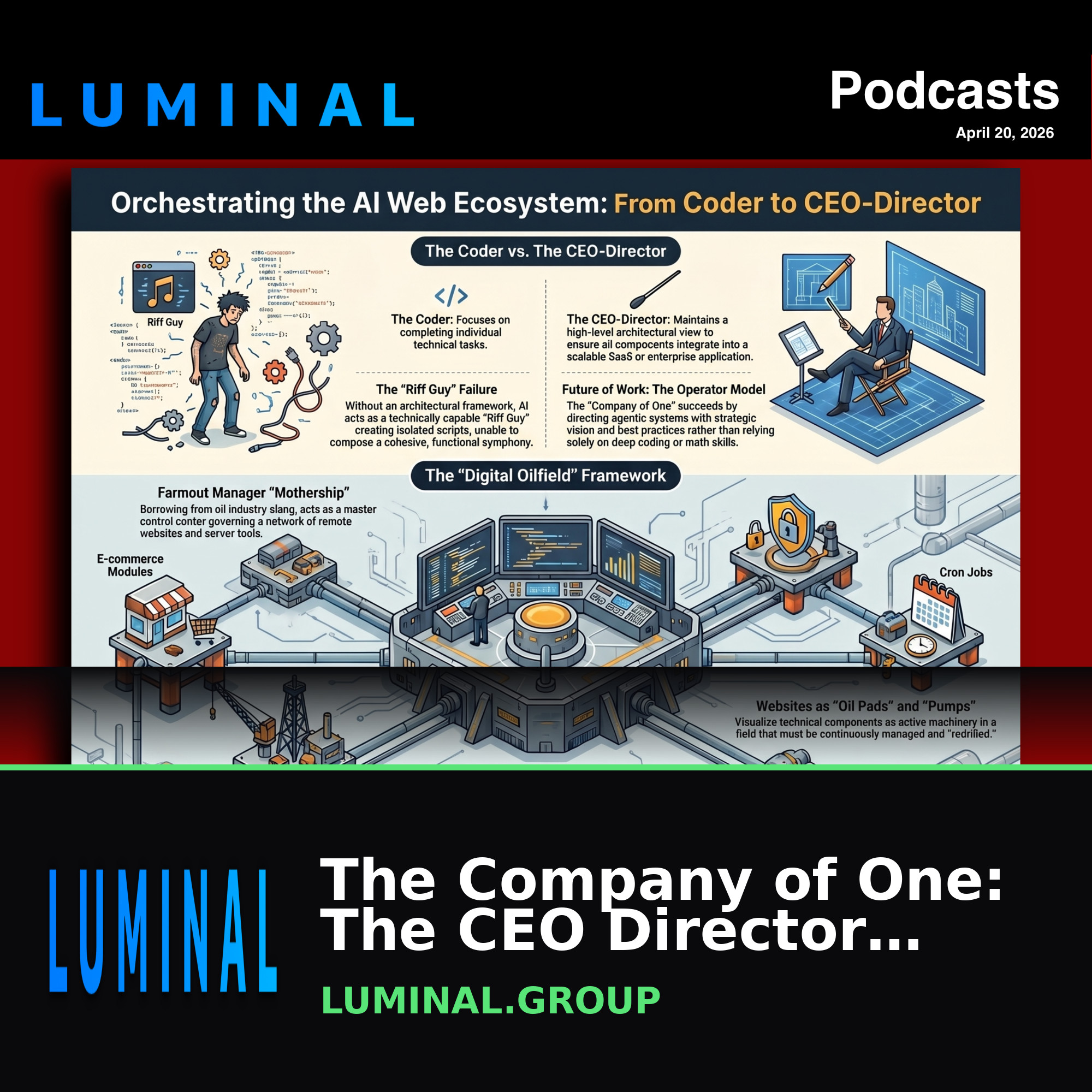 The Company of One: The CEO DirectorApr 20, 2026 · 17:44https://luminal.group # The Company of One: ## The CEO-Director Approach to Modular AI Ecosystems The "Company of One" represents a fundamental shift in the methodology of web development a...
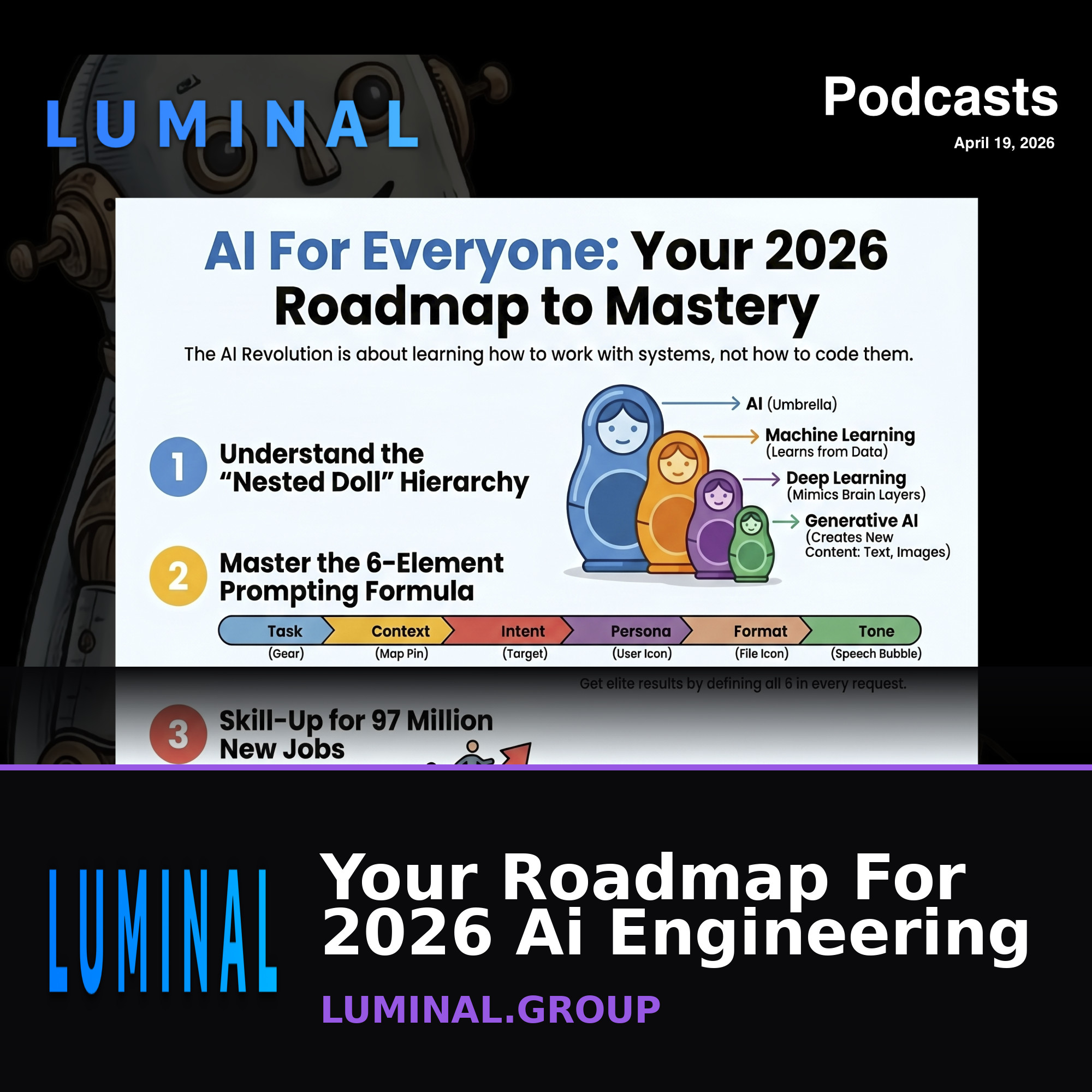 Your Roadmap For 2026 Ai EngineeringApr 19, 2026 · 25:55# https://luminal.group Comprehensive Briefing: The Landscape of Artificial Intelligence in 2026 Executive Summary Artificial Intelligence (AI) has transitioned from a theoretical concept ...
 From Prompt Engineering To Autonomous AgentsApr 19, 2026 · 17:38https://luminal.group = Artificial Intelligence: A Comprehensive Briefing on the 2026 Landscape Executive Summary Artificial Intelligence (AI) has transitioned from a theoretical concept t...
 Building Self-Driving Websites With LuminalMar 9, 2026 · 22:02https://luminal.group Comprehensive Briefing: The Luminal CMS Ecosystem Executive Summary Luminal CMS is a sophisticated, multi-faceted platform designed to bridge the gap between technica...
 Managing Websites Like Texas Oil RigsMar 9, 2026 · 22:25https://luminal.group Managing Websites Like Texas Oil Rigs Comprehensive Briefing: The Luminal CMS Ecosystem Executive Summary Luminal CMS is a sophisticated, multi-faceted platform de...
limit,style,player,covers.— NotebookLM AI-generated audio, newest first.
Store & affiliate
Demo Store
Official merch and accessories
0 items | $0.00Store coming soon
Shopping Cart
Your cart is emptySubtotal:$0.00Tax (7%):$0.00Shipping:$0.00Total:$0.00Checkout
Customer InformationWe'll send a 6-digit code to confirm your email before checkout.
Code sent! Check your inbox and enter it below:
VerifiedShipping AddressOrder Confirmed!
Thank you for your purchase. You'll receive a confirmation email shortly.
Need Help?
Having trouble with your order, a product question, or need assistance? Send us a message and we'll get back to you right away.
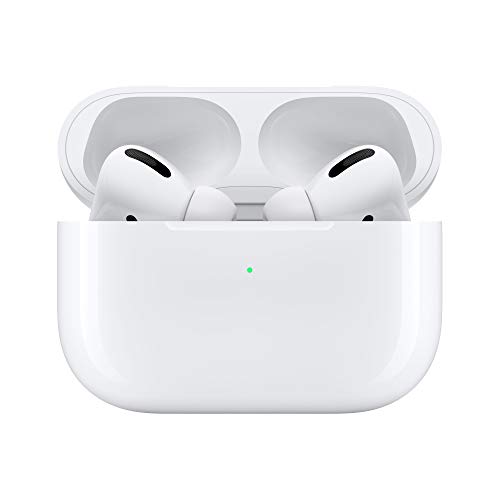
rel="noopener nofollow sponsored"for FTC compliance). Attributes:category(focus one category),limit,columns,offset. Products without a real image are skipped.— a single affiliate ad, for inline placement in an article body.
AI pages
— renders an AI-generated page.
Articles
— magazine layout: a hero (rotating feature or auto-playing carousel) over a newest-first “recency river” grid of your articles. Readsadmin/data/Articles/index.json; images resolve from/media/images/articles/{slug}.jpg→ pagefeatured_image→ first body image (existence-checked, never broken). Attributes:hero(feature|carousel),grid(1|0),count,featured,title,eyebrow,accent,more_url,rotate(day-of-week feature rotation),autoplay(ms). Alias:. Reusable on any article site.
Tips
Most shortcodes take a slug that matches a file or registry entry. If one renders blank, check the slug spelling against the source module.
You don’t have to memorize these — the editor’s blocks sidebar inserts shortcodes for you at the cursor.