Events & Podcasts
Manage events (with optional Facebook sync), host podcasts with an auto-generated RSS feed, and curate YouTube playlists — all from the CMS.
Events (Events Manager Pro)
- Open Events Manager Pro and click + New Event.
- Fill in title, date/time, venue, description, ticket link, and image; save.
- Display events with the events panel shortcode, or a single event card.
Facebook sync: add your Page ID + Graph API token in Facebook Events and Sync — imported events sit alongside your manual ones. The Agent Scheduler can keep this in sync automatically.
Podcasts (Podcast Manager)
- Open Podcast Manager and set the show metadata: title, description, author, cover art, category, and platform links (Apple, Spotify, etc.).
- Click + New Episode, upload the MP3, enter title/description and season/episode numbers, add episode cover art, and save — duration is detected automatically.
- Embed episodes with
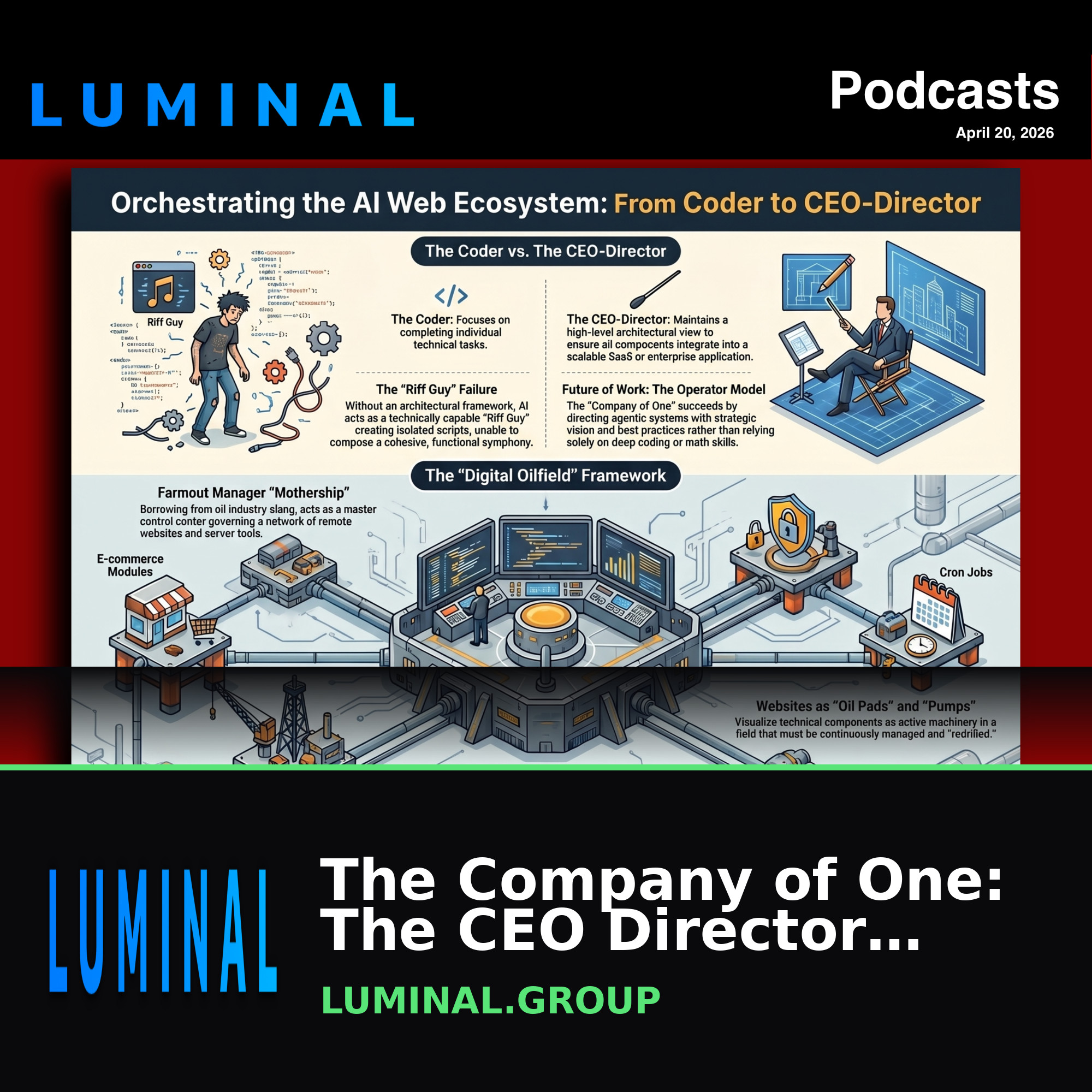 The Company of One: The CEO DirectorApr 20, 2026 · 17:44https://luminal.group # The Company of One: ## The CEO-Director Approach to Modular AI Ecosystems The "Company of One" represents a fundamental shift in the methodology of web development a...
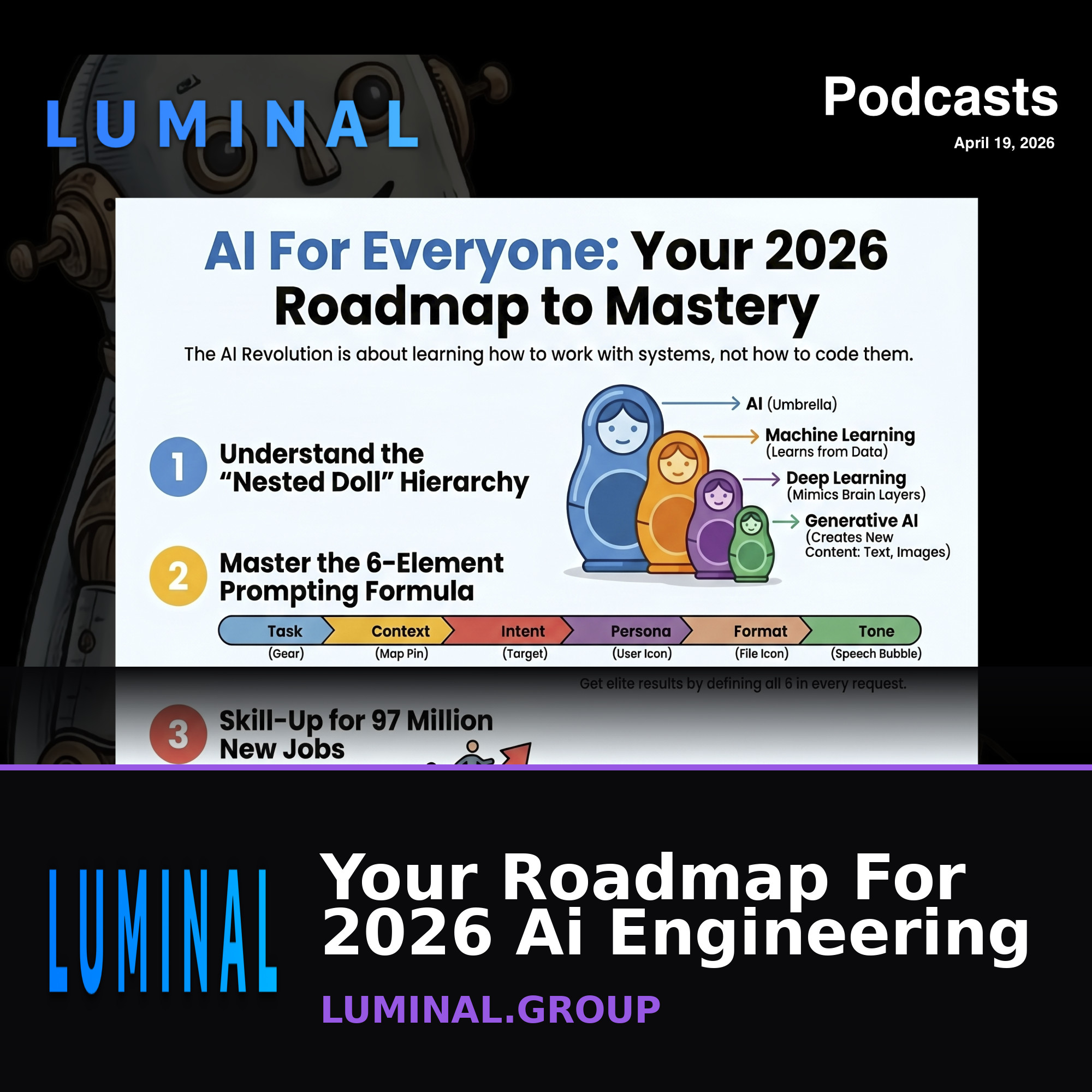 Your Roadmap For 2026 Ai EngineeringApr 19, 2026 · 25:55# https://luminal.group Comprehensive Briefing: The Landscape of Artificial Intelligence in 2026 Executive Summary Artificial Intelligence (AI) has transitioned from a theoretical concept ...
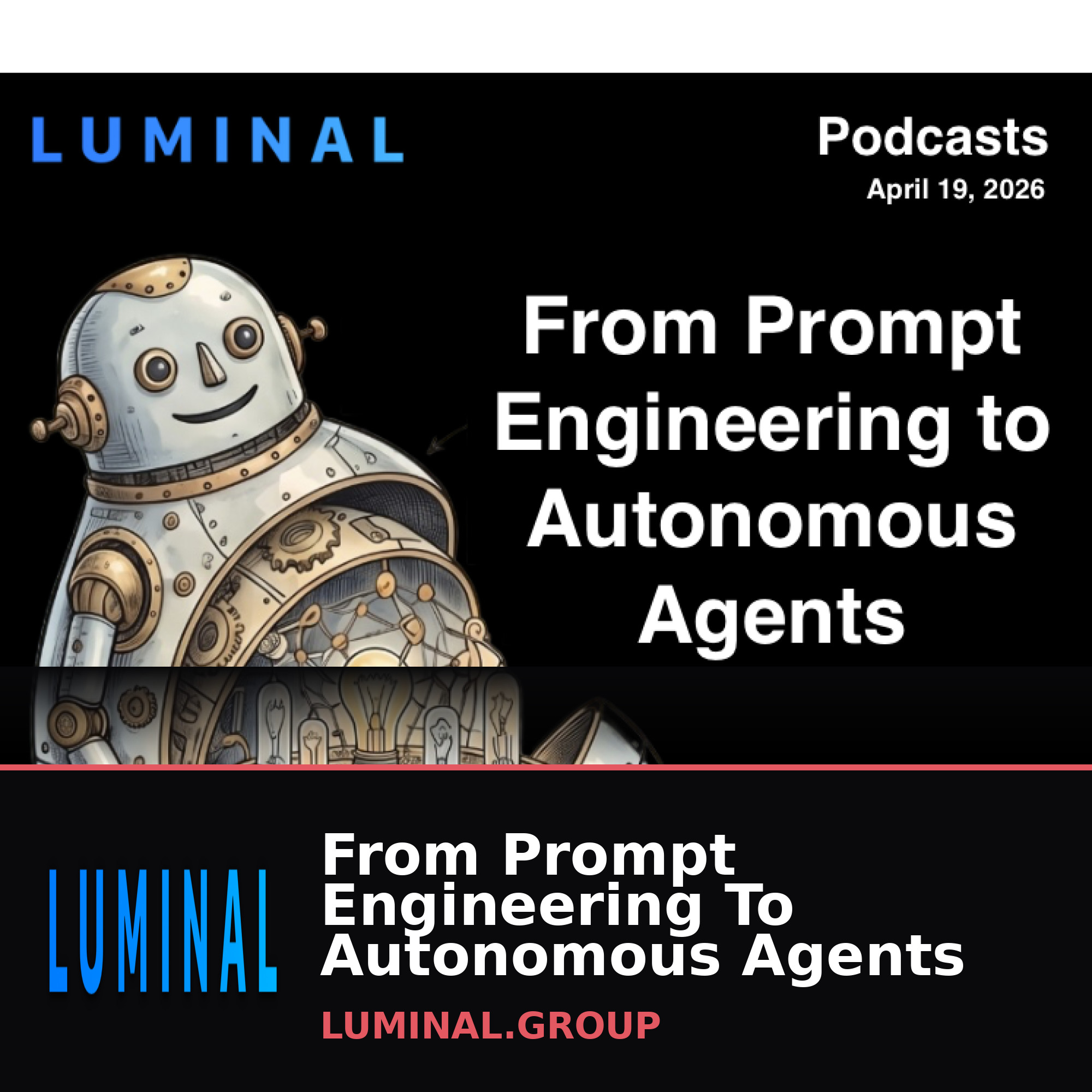 From Prompt Engineering To Autonomous AgentsApr 19, 2026 · 17:38https://luminal.group = Artificial Intelligence: A Comprehensive Briefing on the 2026 Landscape Executive Summary Artificial Intelligence (AI) has transitioned from a theoretical concept t...
 Building Self-Driving Websites With LuminalMar 9, 2026 · 22:02https://luminal.group Comprehensive Briefing: The Luminal CMS Ecosystem Executive Summary Luminal CMS is a sophisticated, multi-faceted platform designed to bridge the gap between technica...
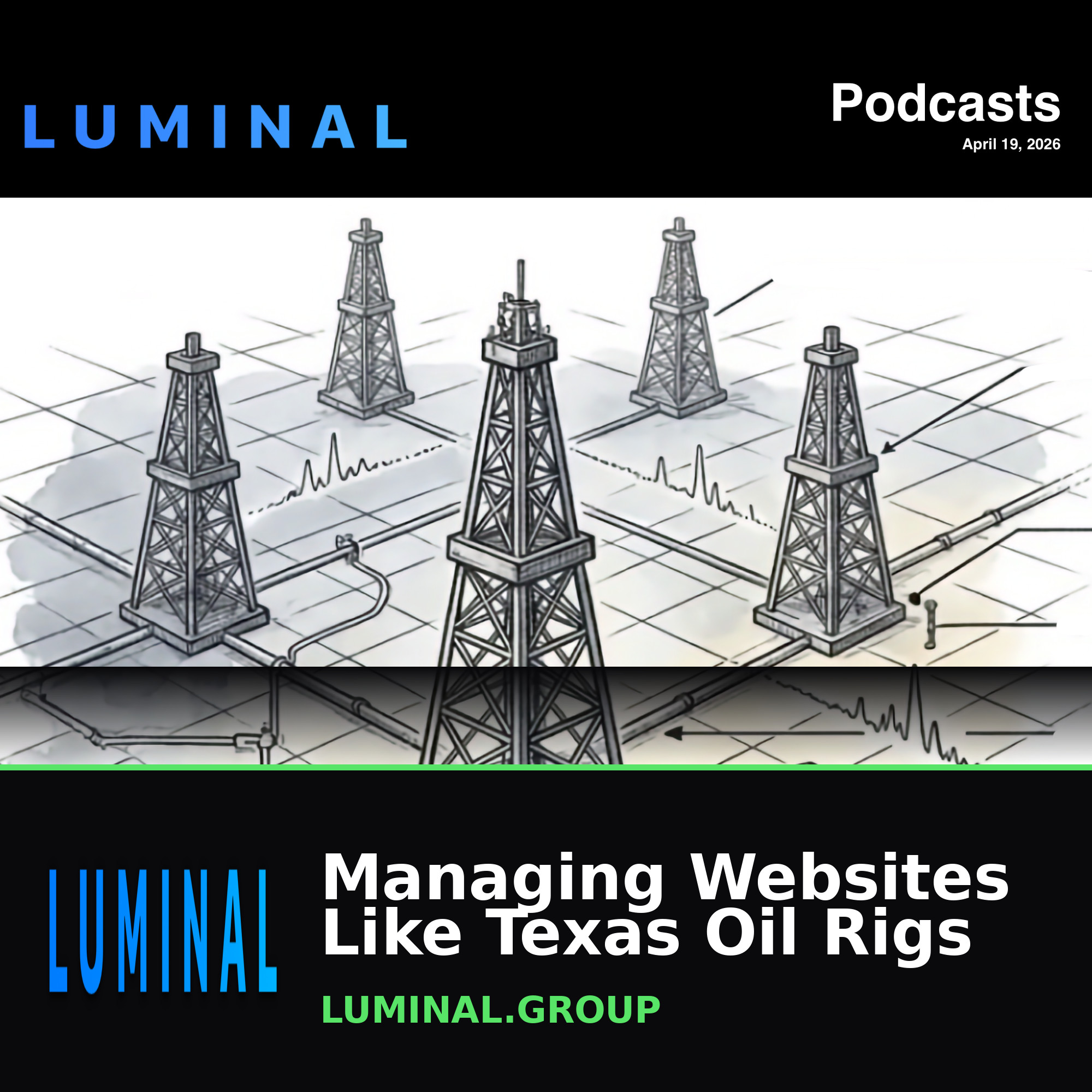 Managing Websites Like Texas Oil RigsMar 9, 2026 · 22:25https://luminal.group Managing Websites Like Texas Oil Rigs Comprehensive Briefing: The Luminal CMS Ecosystem Executive Summary Luminal CMS is a sophisticated, multi-faceted platform de...
limit,player,covers).
A standard RSS feed is generated automatically and works with every major podcast directory. Set platform links once and Apply to All Episodes.
Cover art: use 3000×3000 px square images — that’s what Apple and Spotify require. Respect existing season/episode numbers when adding episodes.
Dual-voice episodes need explicit [SPEAKER] tags in the script for the two voices to alternate.
YouTube playlists
The YouTube Playlist Studio manages playlists with a player + grid. Embed one with (options: limit, columns, description).
Tips
Facebook is the source of truth for event times — if an event looks wrong, check the Facebook listing first. “No upcoming events” usually means the access token expired.