
Content Stacks
Build a content block once and embed it across as many pages as you like with a single shortcode. Edit it in one place — it updates everywhere.
What it does
A Content Stack is a reusable block — HTML, markdown, images, video, or YouTube/Facebook/X embeds — that you drop into any page with . Stacks support 1–3 column layouts, drag-and-drop reordering, and media dropped straight from the browser.
Build a stack
- Open Content Stacks and click + New Stack; name it.
- Add blocks: HTML, markdown, YouTube, image, or video — or drag media in from the Media Browser.
- Drag blocks to reorder; pick a 1, 2, or 3-column layout.
- Save, then embed anywhere with
.
Layouts & style presets
HTML blocks have one-click style presets so you can match a page without writing CSS:
- Glass — frosted translucent card
- Card — standard opaque card
- Callout — accent-bordered highlight
- Pad — padded container, no visible box
- Unwrap — raw HTML, no container
Switching presets never changes your content.
Embedding
Use , where the slug is the name you gave the stack. Edit the stack and every page that embeds it updates at once.
Tips
Drag-to-insert respects position — when dragging media into a stack, drop high to insert above, low to insert below.
If an embed renders blank, check that the slug in the shortcode matches the stack’s slug in the registry (admin/data/content-stacks-registry.json).
Shortcode blocks
A Content Stack can house a shortcode. Add a block of type shortcode with a shortcode value (e.g.
) and the stack renders it live — so a stack can carry an affiliate rail, a gallery, or any other shortcode. Nested shortcodes are depth-guarded against loops.
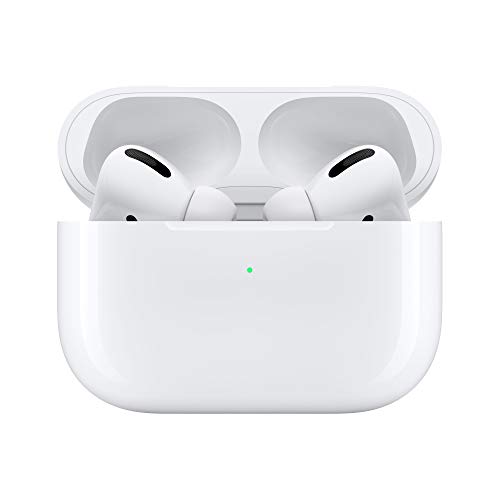
Universal Content Stack (UCS)
A protected stack is a system stack that cannot be deleted — the delete action refuses it. The Universal Content Stack is a seeded, protected stack that houses site-wide content (typically the affiliate rail
), placed once in a page’s right column and reused across the site. Swap its contents to change providers without touching the layout.